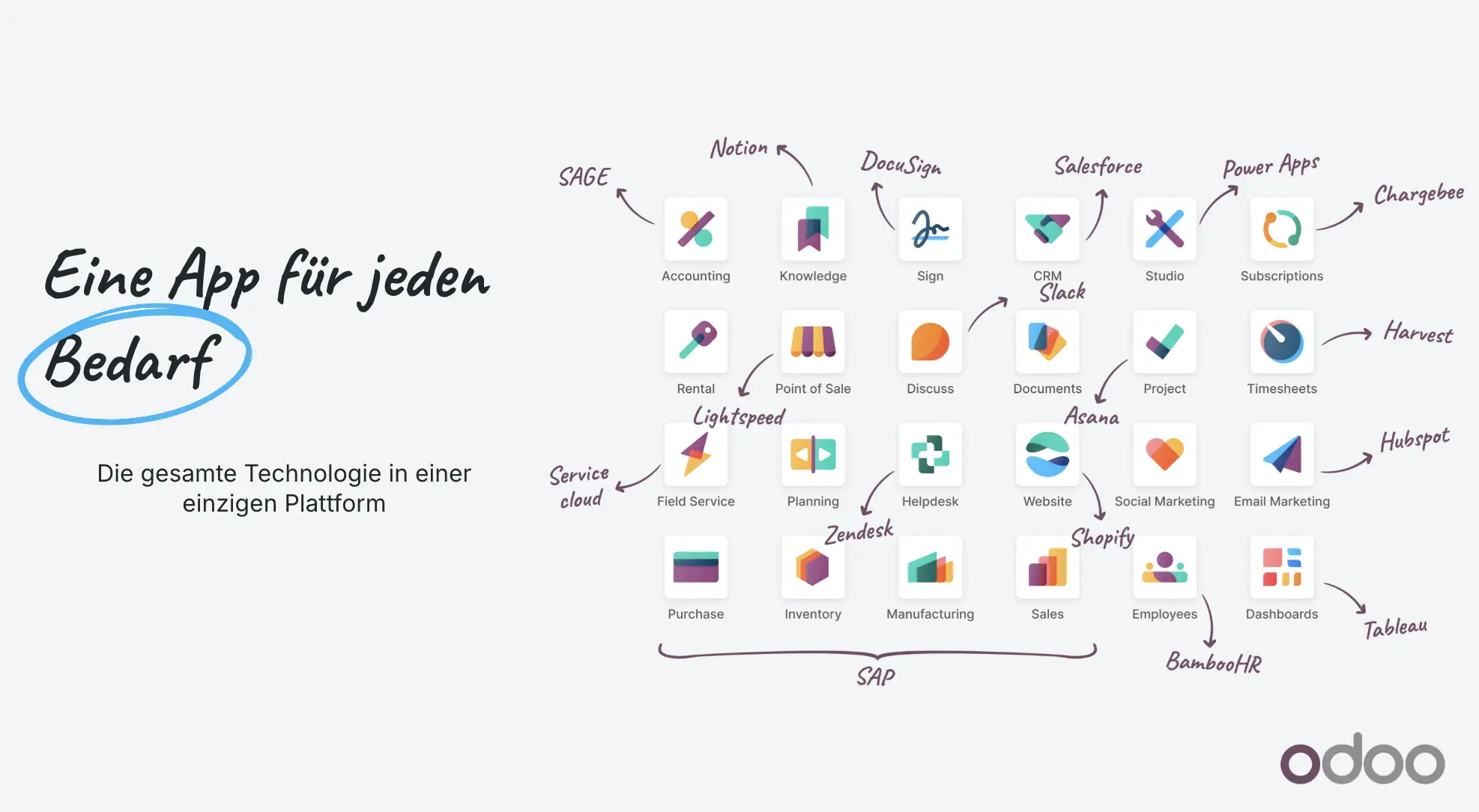
The benefit of Odoo arises between the apps – not through as many installed modules as possible
Odoo can cover many areas of business. For a project, this breadth is both an opportunity and a risk. If apps are only activated individually, new interfaces are created, but there is still no better overall process. The added value only becomes apparent when information from CRM and sales is passed on through purchasing or inventory to delivery, invoicing, and evaluation without unnecessary duplicate maintenance.
Therefore, the introduction begins with business events rather than a module list. What happens after a qualified inquiry? What checks are needed for an offer? When is stock reserved or procurement triggered? Who is allowed to deliver and invoice? Such end-to-end questions show which standard functions fit together, which roles are needed, and where integration or configuration is truly meaningful.
The modular approach allows for a limited start but requires a target image. Without this target image, later apps can introduce conflicting data models, permissions, or automations. Therefore, a small initial phase should be usable productively while respecting the architecture for further areas. This way, Odoo grows in a controlled manner with the company, rather than becoming a collection of independent individual solutions.
Evaluate Odoo as a platform
- Prioritise business processes over the number of apps
- Define common master and transaction data
- Test roles and approvals end-to-end
- Document the expansion path for further areas
More than a classic ERP system
An ERP maps central business resources and processes. Odoo goes beyond this, as customer-facing and digital functions can also be part of the same platform: from the first lead through offer and order to stock, delivery, and invoicing.
This reduces media breaks. A confirmed order can, for example, trigger procurement or commissioning, the delivery generates the next status and invoicing accesses the same master and transaction data.
Which areas can Odoo cover?
The specific scope depends on edition, version, hosting, country, installed apps and configuration. Typical functional areas are:
- CRM, activities, offers, sales and subscriptions
- Purchasing, inventory management, barcode, multi-storage and shipping
- Invoicing, accounting, documents and evaluations
- Manufacturing, bills of materials, quality, PLM and maintenance
- Projects, time tracking, field service and helpdesk
- Website, e-commerce, blog, appointments and point of sale
- Marketing, documents, knowledge, approvals and collaboration
Why the modular approach is attractive
Companies do not need to switch every area at the same time. A sensibly defined start can include CRM, sales and inventory. Further processes will be added when data, responsibilities and working methods are stable.
Modular does not automatically mean simple. Once multiple teams, companies, countries, shops, or interfaces are involved, even a gradual start requires a robust target image.
Standard, configuration or custom development?
An important project decision is the boundary between existing standard functionality, configuration, Odoo Studio, integration, and custom development. The closer a process remains to the standard, the easier maintenance, training, and later version changes are usually to manage.
Custom development is sensible when it creates a clear business advantage and does not merely digitise an old workaround. This consideration should be transparently documented before implementation.
Who is Odoo suitable for?
Odoo is interesting for growing companies that want to reduce isolated individual solutions and connect multiple processes on a single data basis. The platform is particularly relevant when sales, goods flow, services, finance, and digital channels work closely together.
Whether Odoo really fits is not determined by a list of functions. Processes, data quality, integrations, regulatory requirements, and the willingness to change must be assessed together.
A seamless example: from lead to payment receipt
A prospect is qualified in the CRM, receives an offer, and confirms the order. Sales, inventory, and purchasing then work with the same transaction. Reservations, deliveries, and invoices do not arise as independent files, but as connected business documents.
The specific process varies by industry. It is crucial that status and responsibilities do not need to be reconstructed multiple times. An end-to-end prototype shows early which standard handovers fit and where configuration or integration is necessary.
- Lead and next activity
- Offer, price and approval
- Order, reservation and procurement
- Delivery, invoice and payment
- Evaluation across the entire process
Consciously choose Odoo architecture and operating model
Edition, hosting, database, apps, user roles, multi-tenancy and interfaces determine the architecture. Odoo Online, Odoo.sh or a custom-operated environment have different degrees of freedom and responsibilities.
The choice affects updates, custom modules, access, operation and costs. It should therefore be derived from requirements and internal competence – not only when a desired extension hits limits in the chosen model.
In conclusion
Frequently asked questions on the topic
Does a company have to implement all Odoo apps?+
No. Odoo is modular. A clearly defined start with the apps that create the greatest cohesive benefit is sensible.
Can Odoo connect existing shops and marketplaces?+
In principle, third-party systems can be connected via existing connectors, APIs or middleware. The scope and technical requirements must be checked for each system.
Is Odoo only suitable for small businesses?+
No. The key factors are process complexity, number of users, data volume, integrations, and operating model. The appropriate architecture must be derived from these requirements.